
Never lose a thing again.
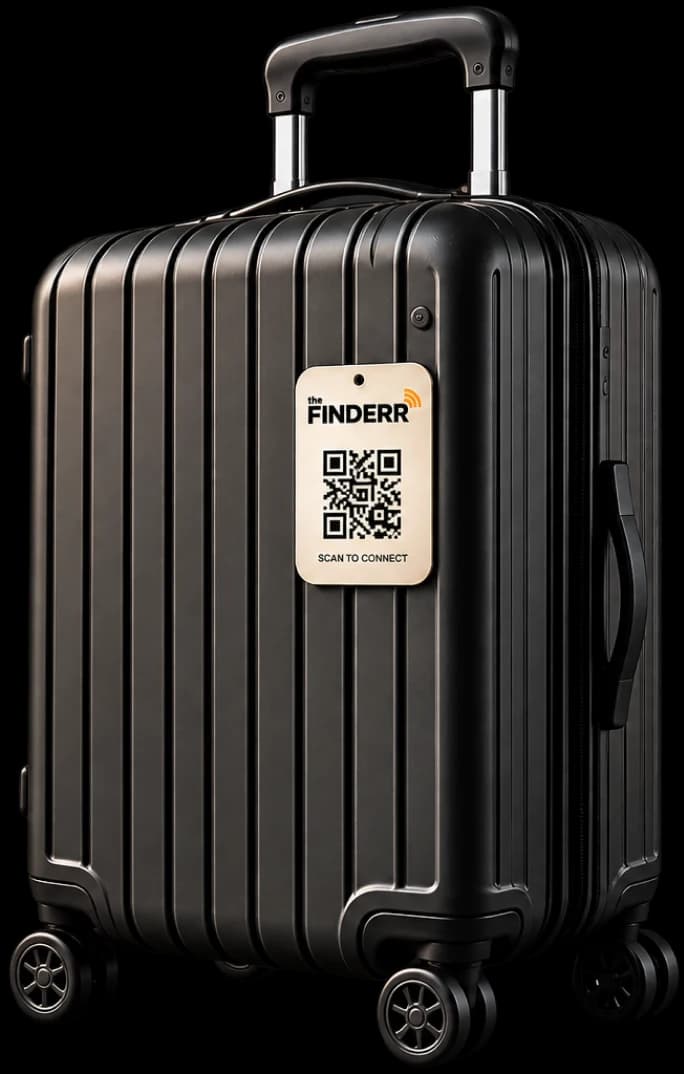
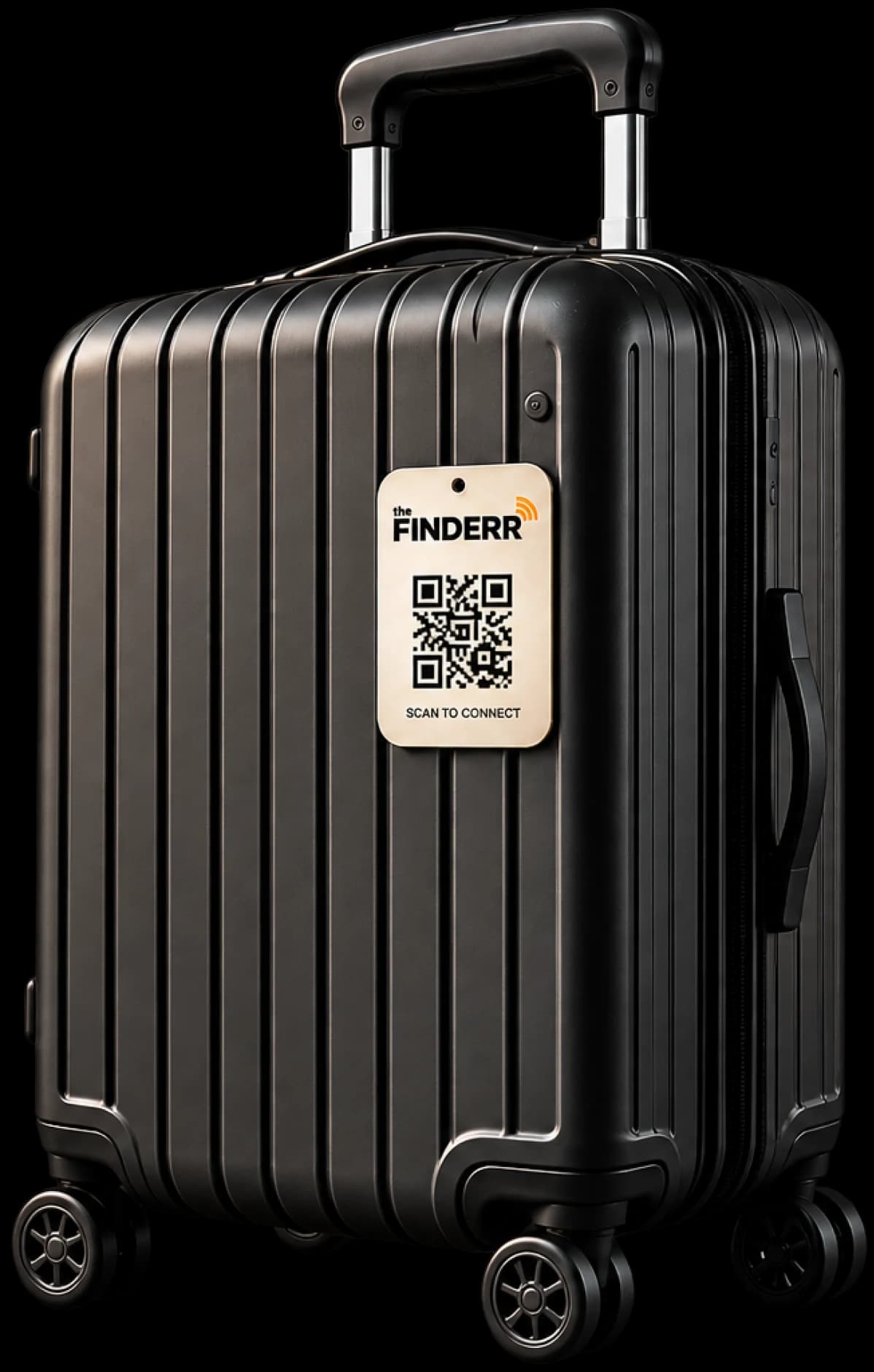
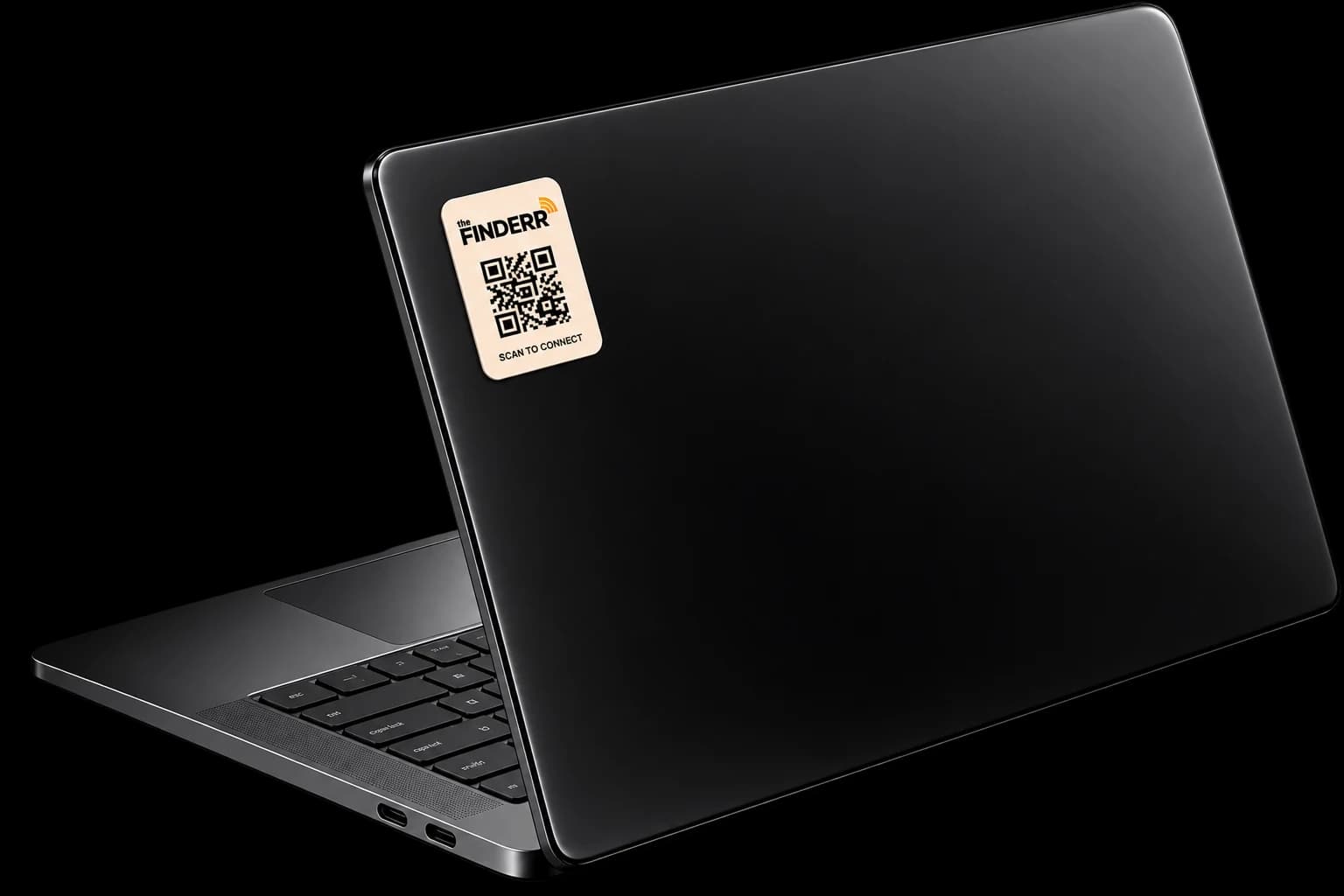
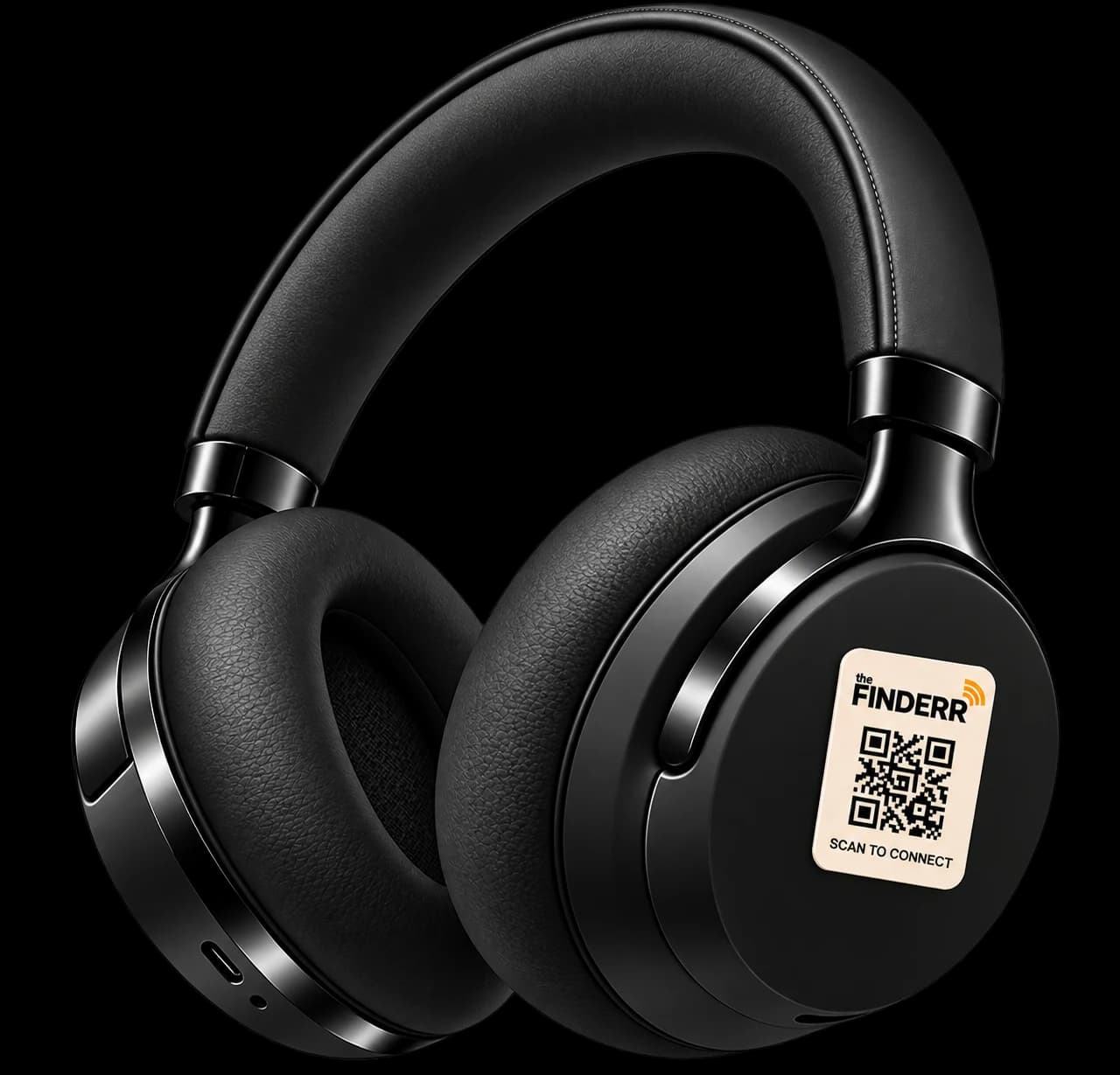
Stick a Finderr tag on anything you own. Whoever finds it scans
the QR and reaches you in seconds. No app to download, and
neither of you ever sees the other's phone number.

















From lost to back in your hands
Three steps. The only one that needs your attention is the last.
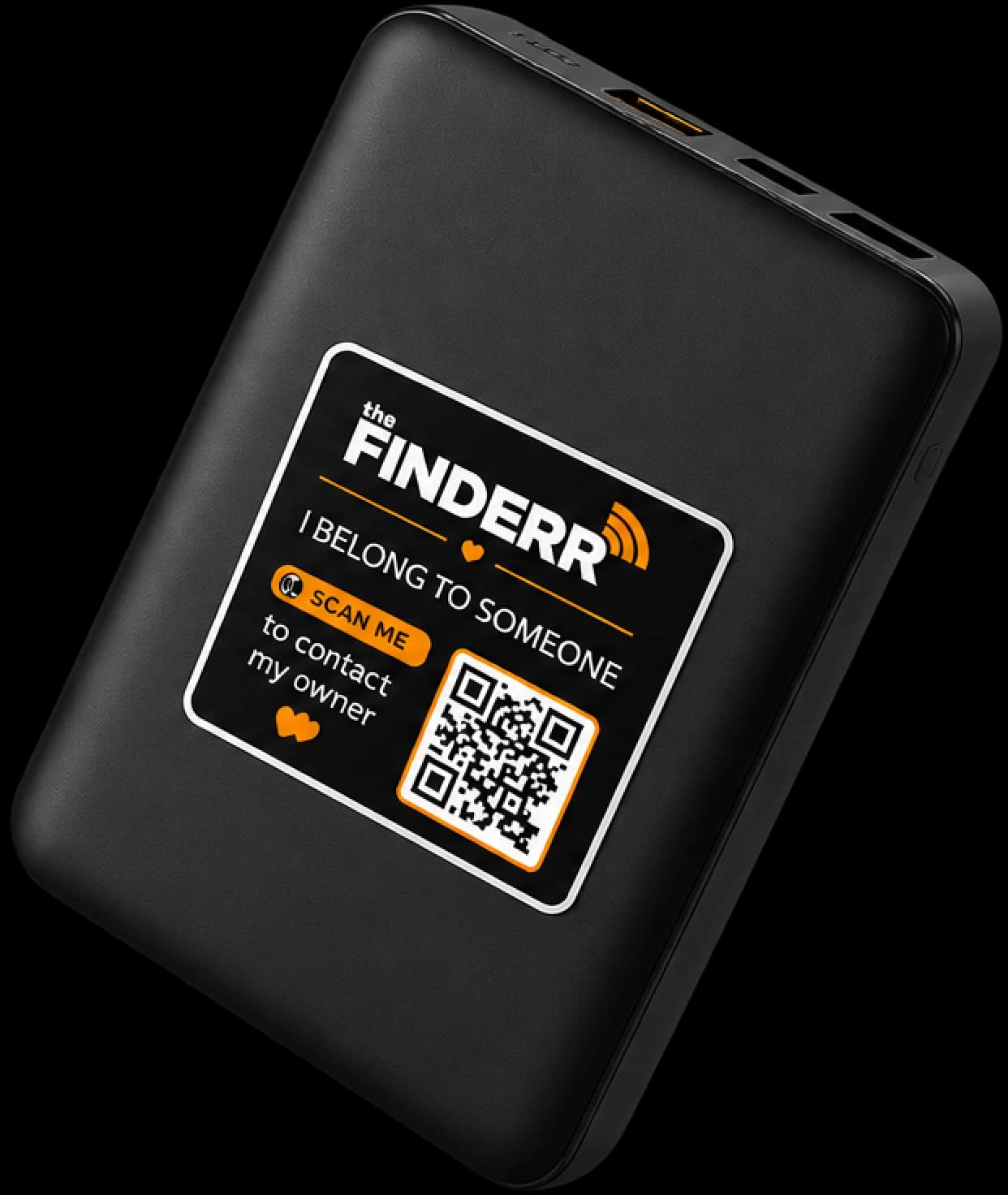
01
Tag Your Essentials
Add a Finderr tag to your laptop, bag, wallet or keys. Activate it in under a minute.
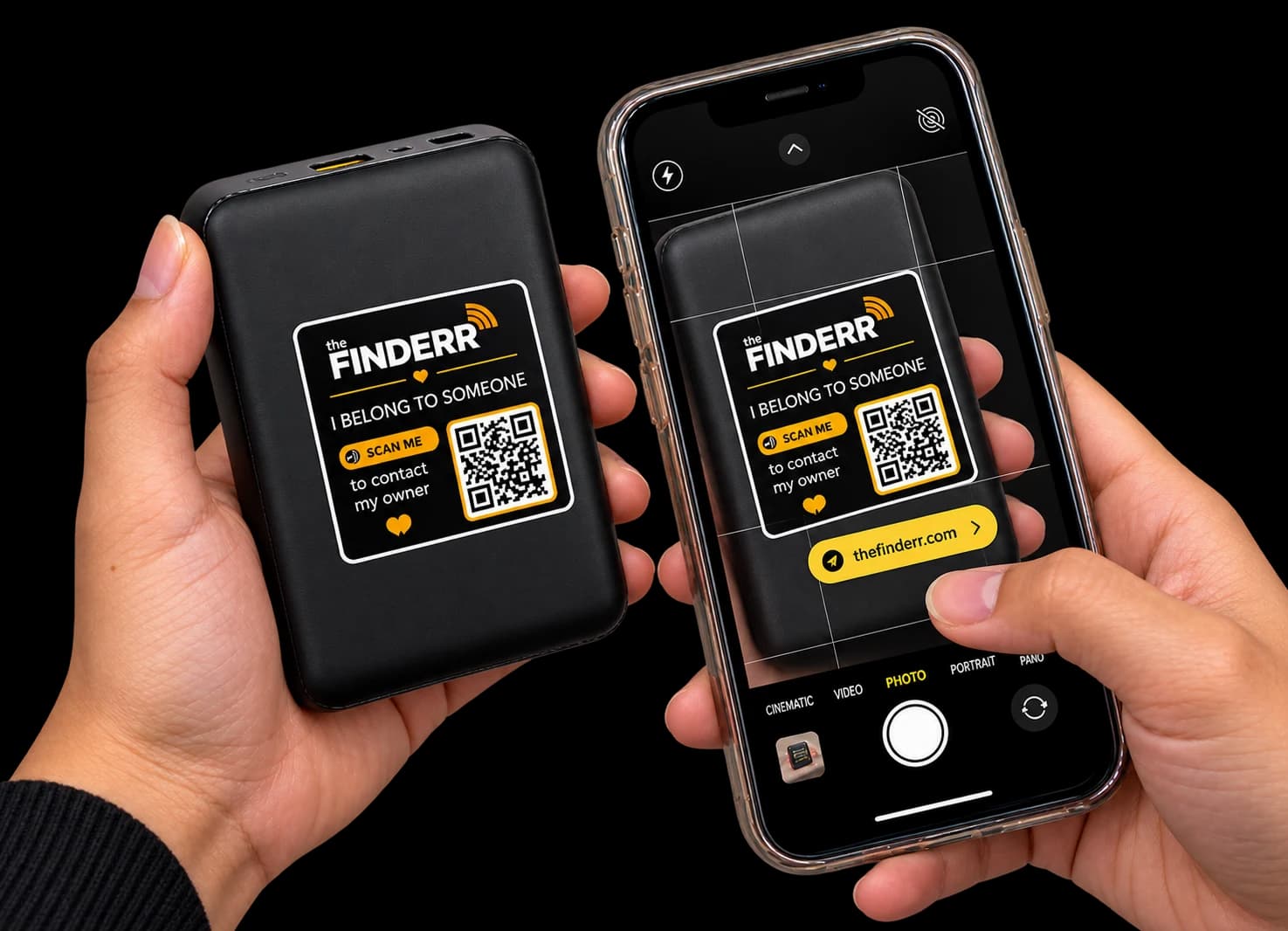
02
Scan to Connect
The finder scans your tag and follows the link to contact you. No downloads, no hassle.
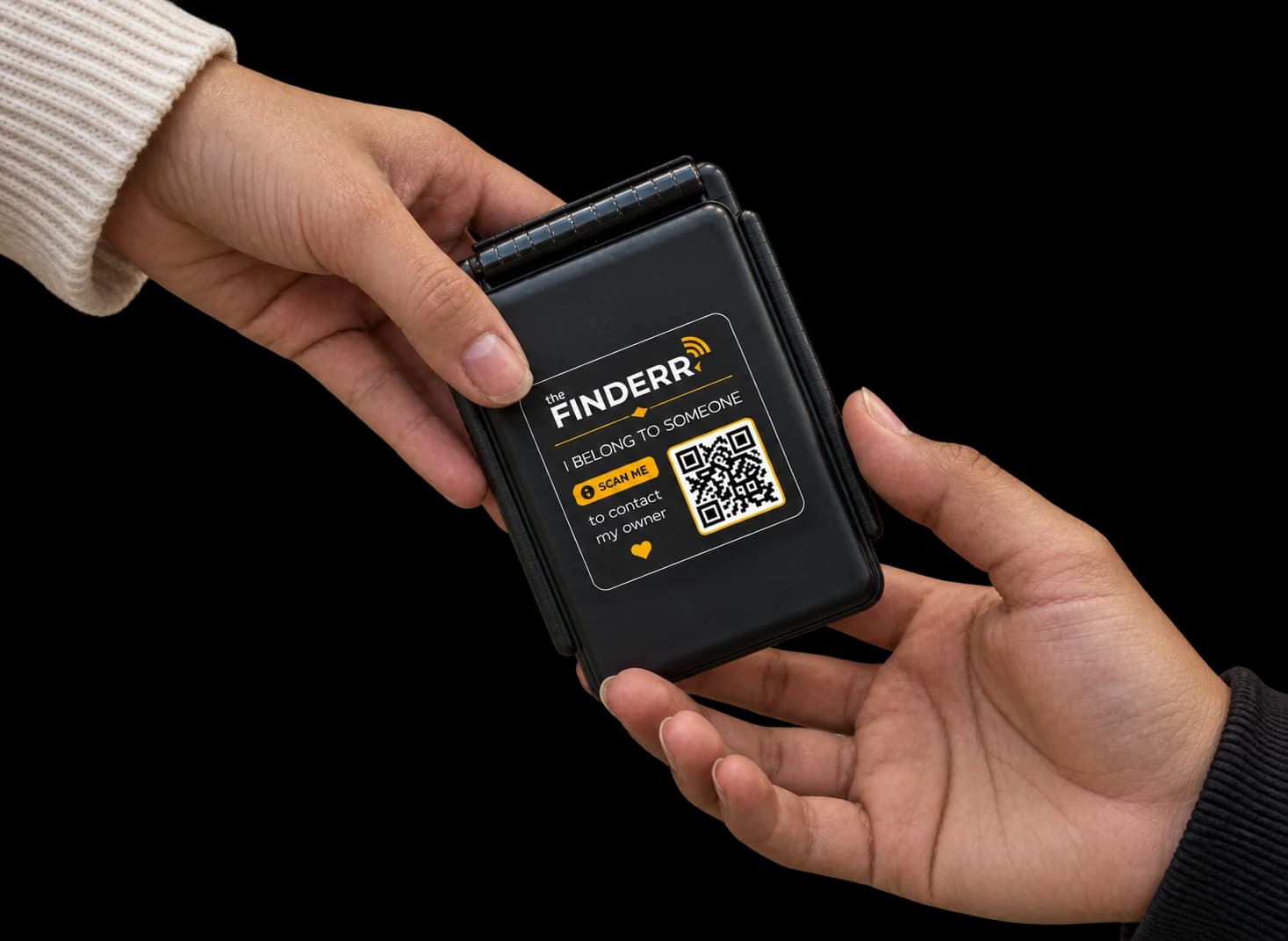
03
A Safe Way Back
Coordinate the return directly with the finder and follow the handover until your item is recovered.
See exactly what a finder sees.
A real QR and the screen that follows. It runs on a demo tag, so no owner is contacted and nothing is recorded.
Scan a sample tag
A working QR. Scan it with your phone, or type the ID printed under it.
Land on the finder screen
The exact page a stranger sees. No app and no sign-up.
Nobody is contacted
It is a demo tag, so no owner is alerted and nothing is saved.
Less friction. More control.
Privacy-first technology. Built to work quietly in the background.

Private Numbers
Calls and messages run through a masked bridge.

Safe Handover
A finder can leave the item at some place and let you know.

No App Required
Nobody installs anything. Their camera is the app.

Backup Contacts
If you’re unreachable, the finder contacts your backups.

Anywhere in India
Any phone, any city, any network.

Kill Switch
Disable any tag, anytime. Sell the bag, switch it off.

Your Message
You write it, you can change it whenever you want.

Before you buy a tag.
Does the person who finds my item need an app?
No. They scan the QR with their phone camera and the recovery page opens in the browser. There is no download, no sign-up and no OTP for the finder.
Will the finder see my phone number?
No. Calls and messages are bridged, so the finder sees a Finderr number and you see one too. Neither real number is ever revealed unless you choose to share it.
What if the QR code gets scratched or damaged?
Every tag also carries a short Finderr ID such as FDR-A72K9. Anyone can type it at thefinderr.com/find and reach the same recovery page.
What happens if I miss the call?
You still get a WhatsApp alert and an email with the scan details, and the scan is waiting in your recovery timeline. The finder can also reach your backup contact, leave the item somewhere safe, or send a message you will see later.
Is my location being tracked?
No. The Finderr is a recovery product, not a tracker. Location is only captured when a finder explicitly allows a one-time share, and nothing is recorded after that.
Can I move a tag to a different item?
Yes. You can rename an item, change contacts, deactivate a tag or transfer it to another owner from your dashboard at any time.